Peagle
Peagle · Web app · 2022–24 · Case study
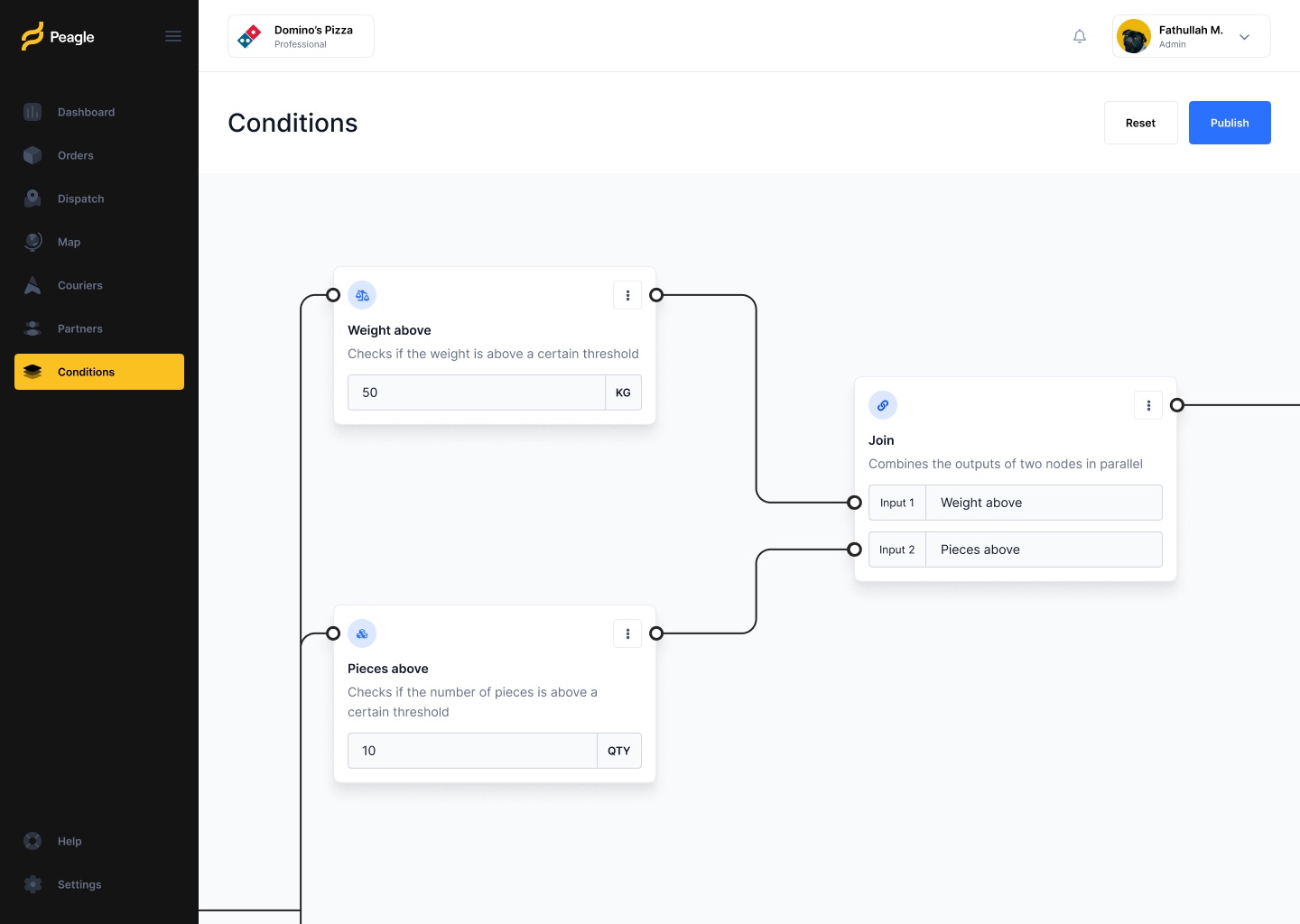
Peagle is a logistics web app for businesses that run their own deliveries. I co-founded the company in Amsterdam and led product as CPO. Its core is a node-based editor where operations staff build delivery rules without writing code.
01Overview
Delivery rules as building blocks
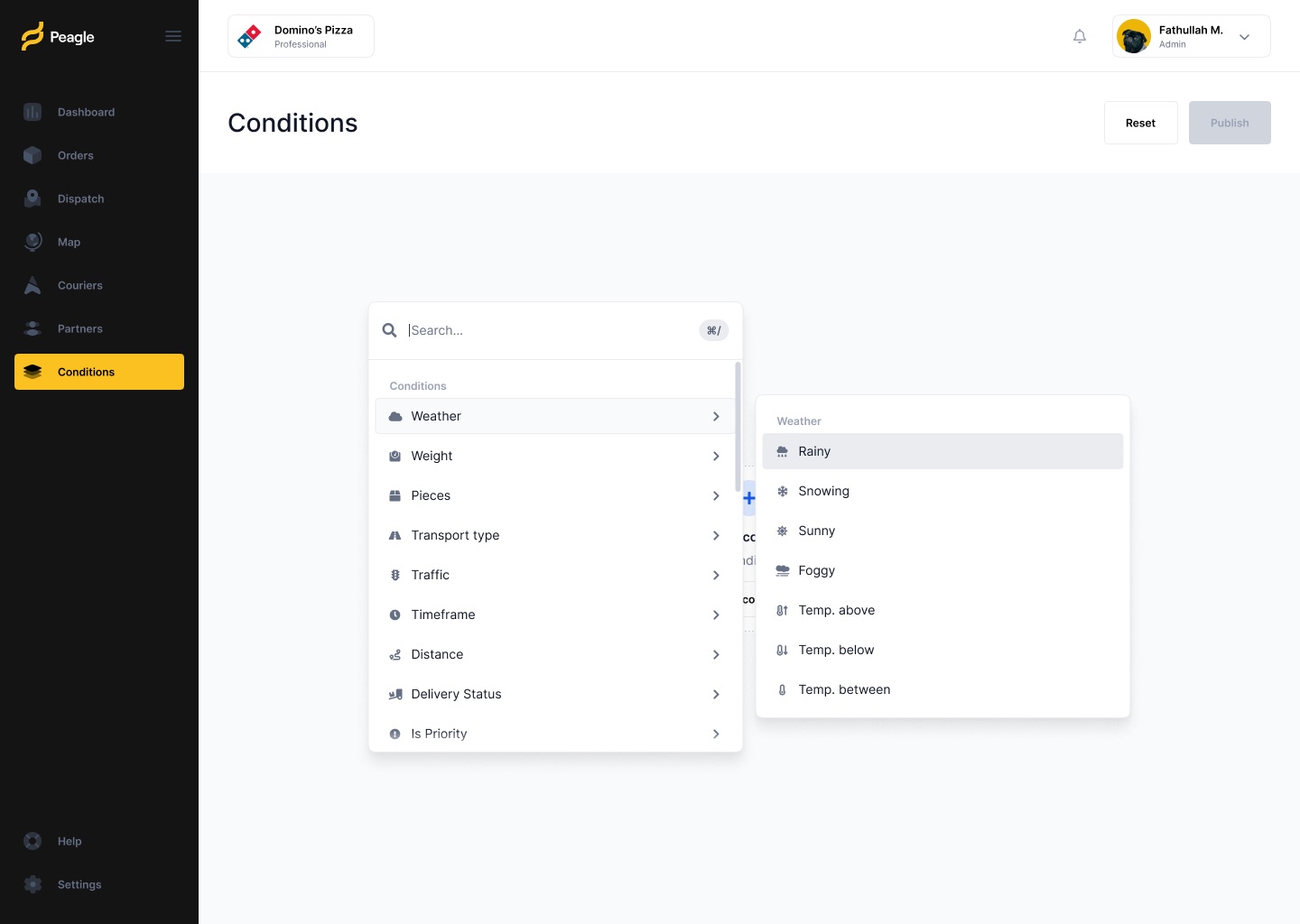
Every delivery business has its own rules: heavy orders need a van, rain changes timing, priority orders go first. In Peagle, a dispatcher picks a condition such as weight, weather or traffic, sets a threshold, and wires conditions together on a canvas. Nothing changes until they press Publish.
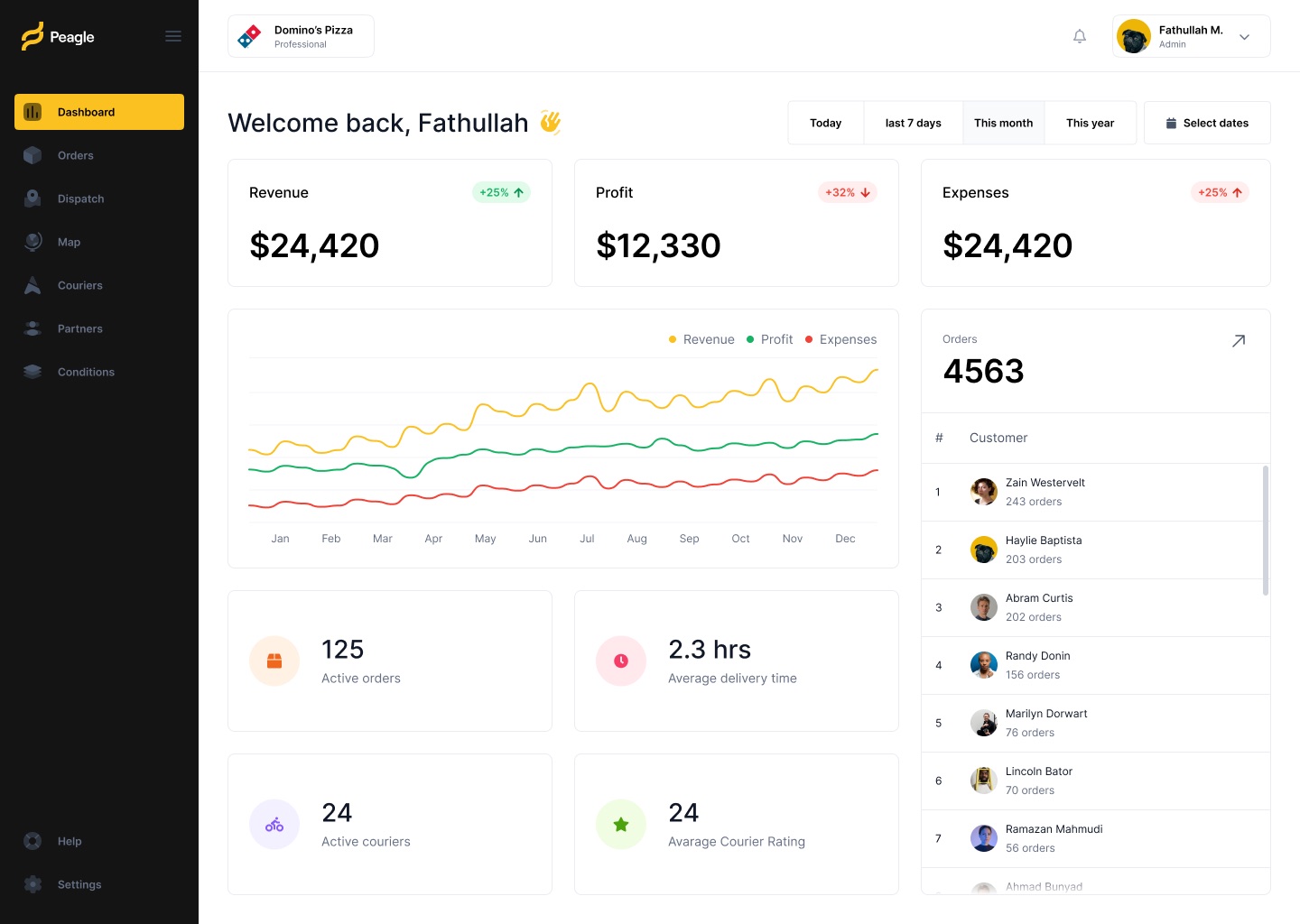
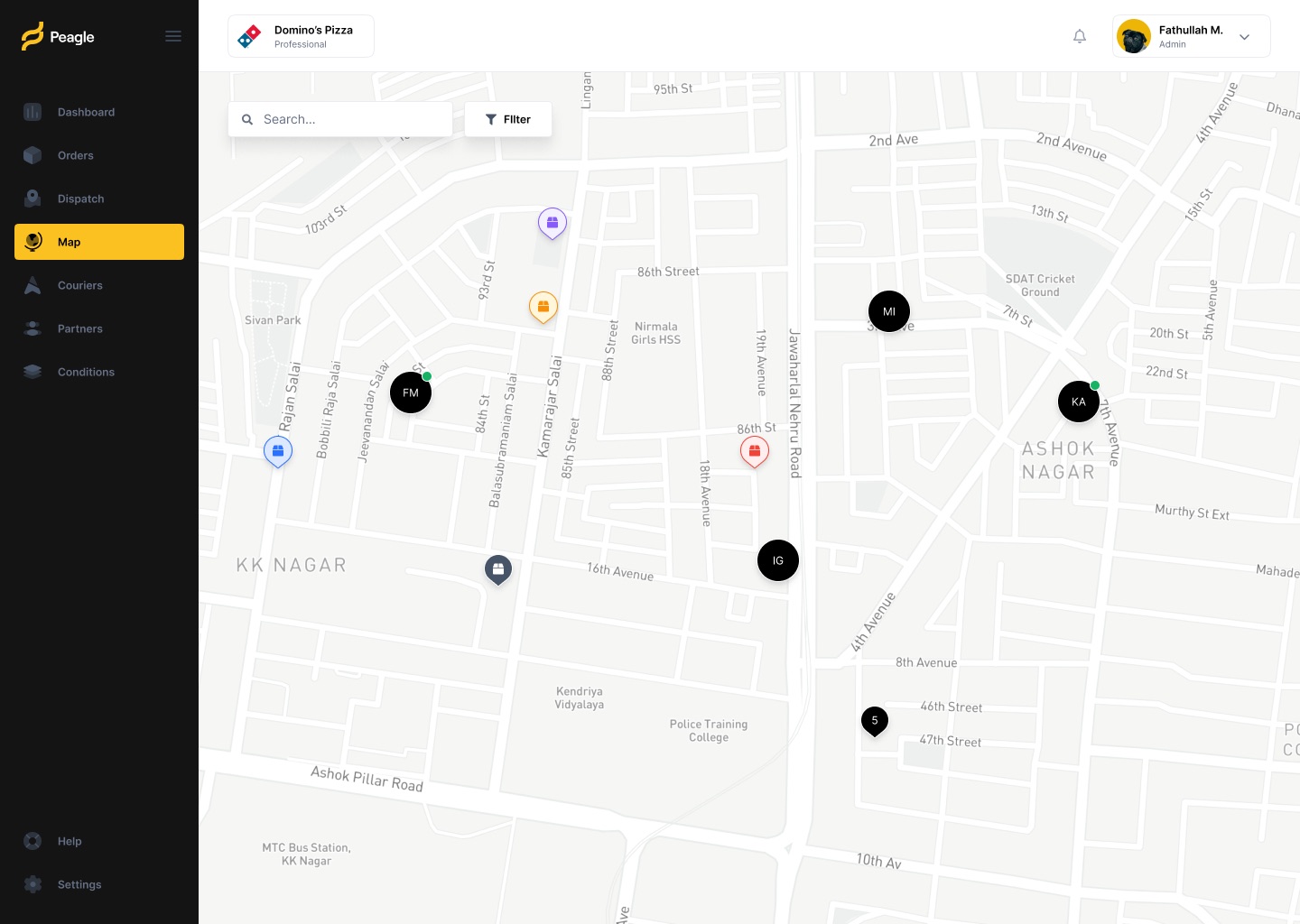
Around the editor sits the rest of the operation: a dashboard, an order list, a live map of couriers, and settings for dispatch, routes and branding. All of it shares one dark sidebar and one yellow accent.
02What I designed
One workspace for a delivery team
- ConditionsNode-based rule editor
Condition nodes with their own inputs and units, connected through Join nodes, with a searchable picker grouped by category.
- DashboardRevenue, profit and expenses at a glance
A date range switcher, a three-line trend chart, live counts of orders and couriers, and top customers.
- OrdersA filterable order table
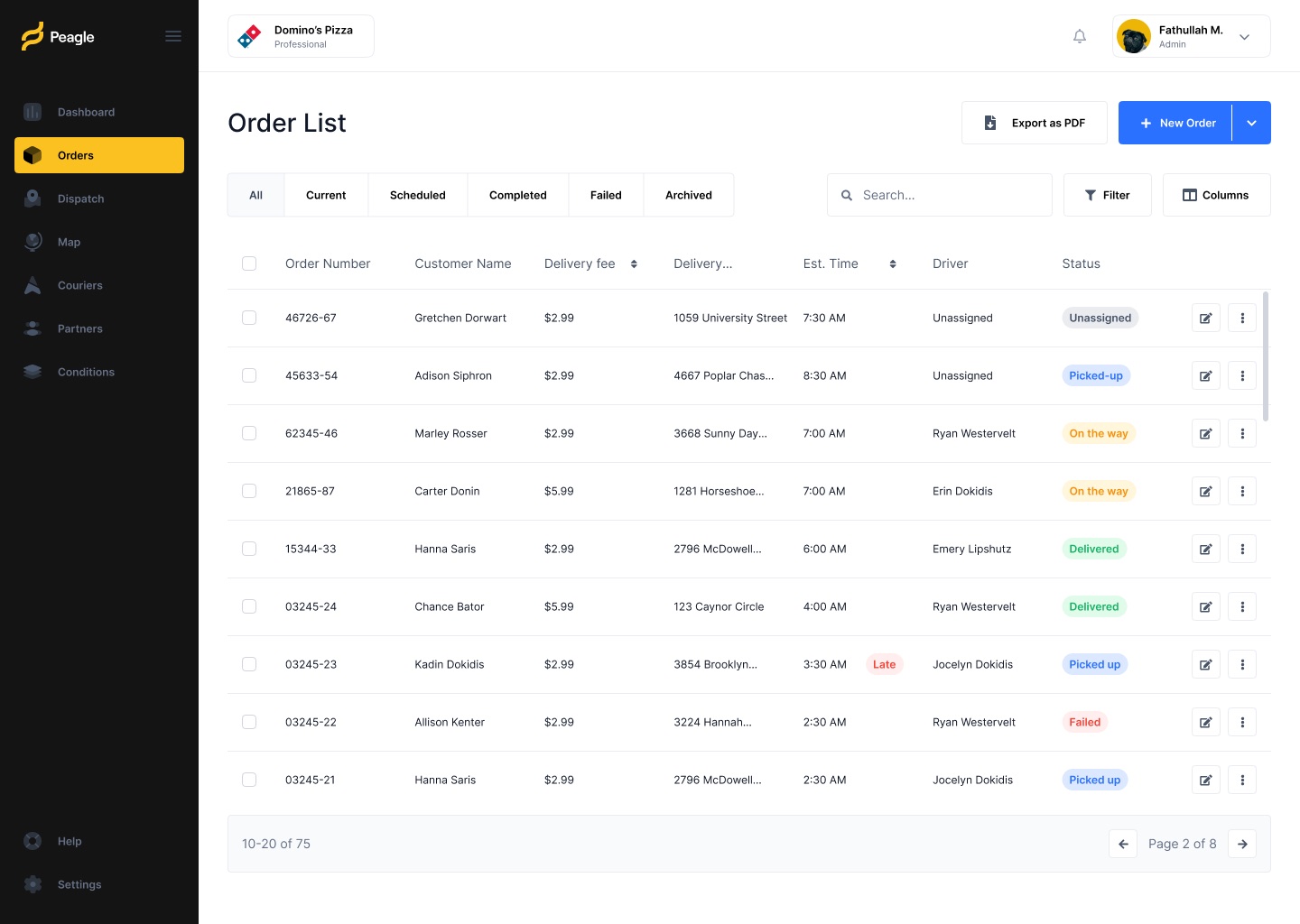
Tabs by state, colour-coded status tags, a late flag, column controls and bulk upload from a spreadsheet.
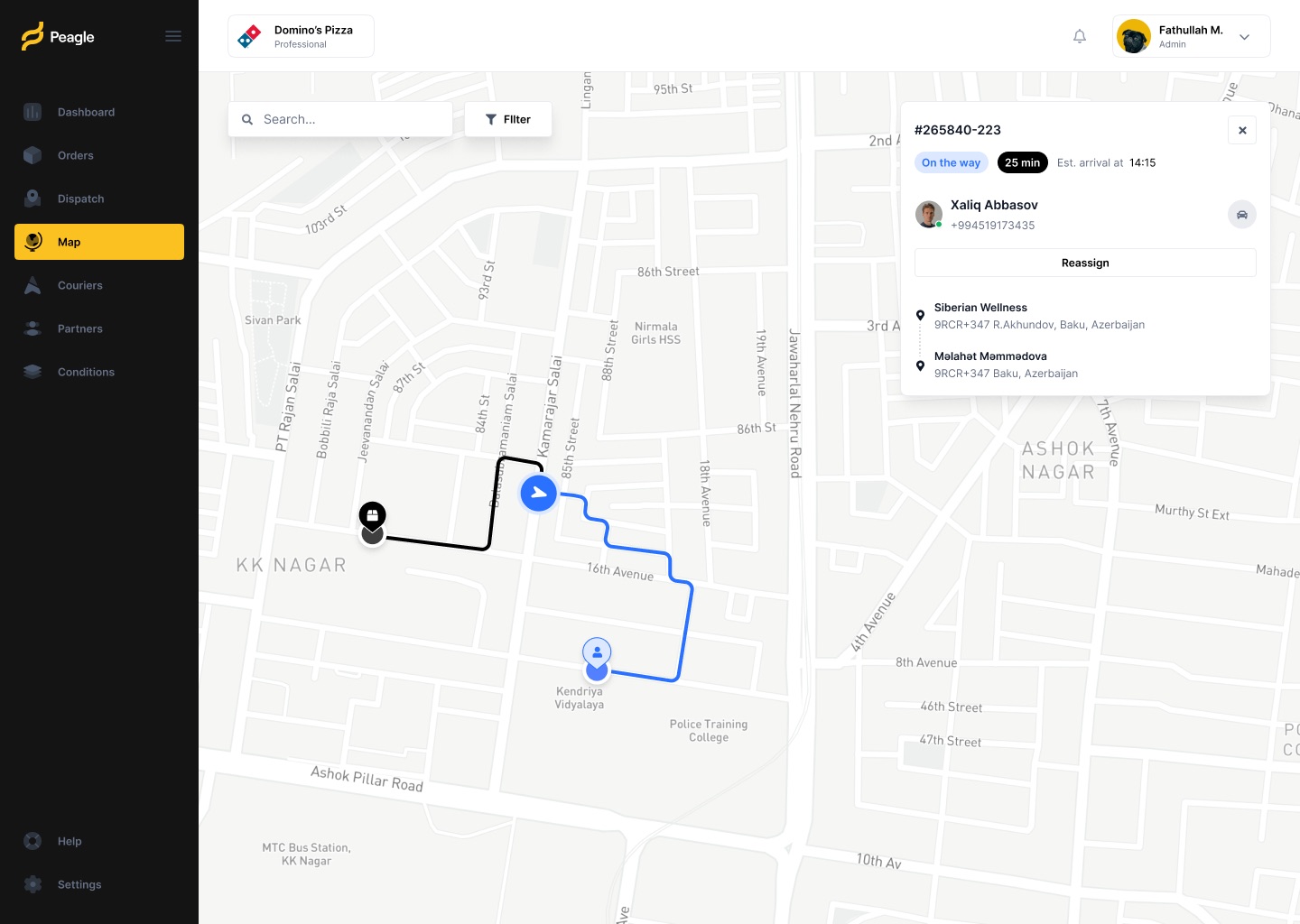
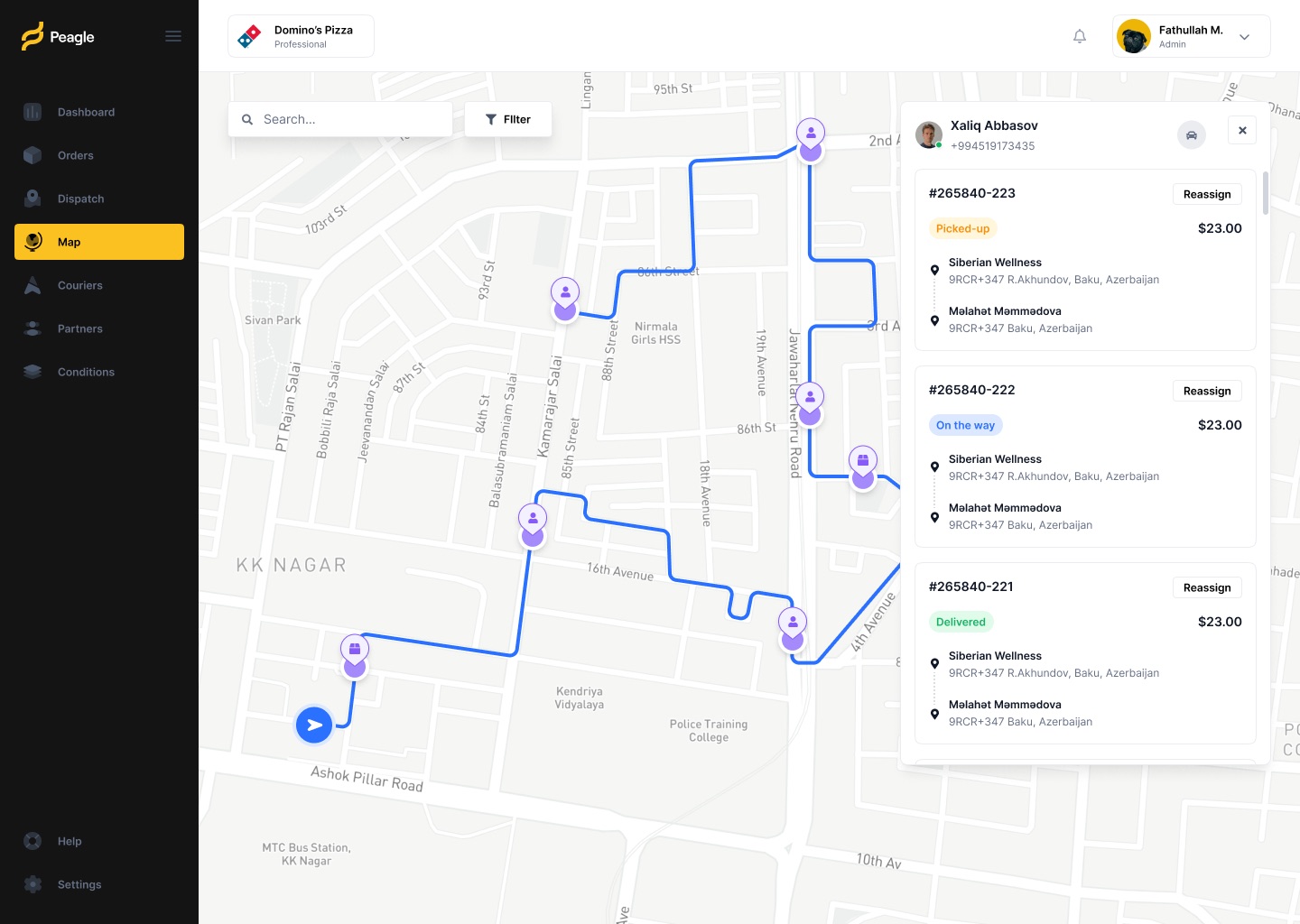
- MapCouriers and orders on one map
Select an order to see its route and ETA, or a courier to see every stop they carry, with a reassign action on each.
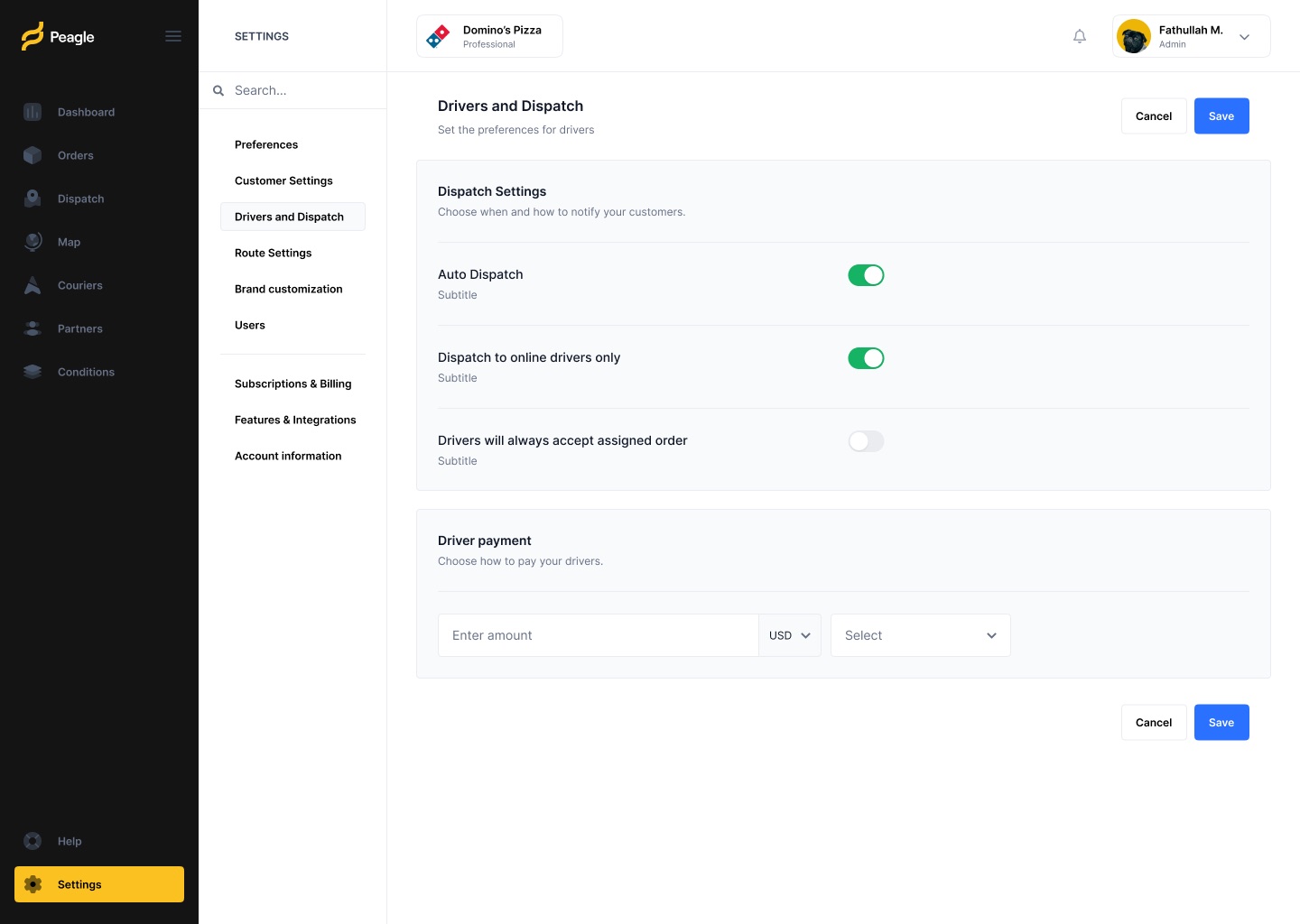
- SettingsDispatch, route and brand settings
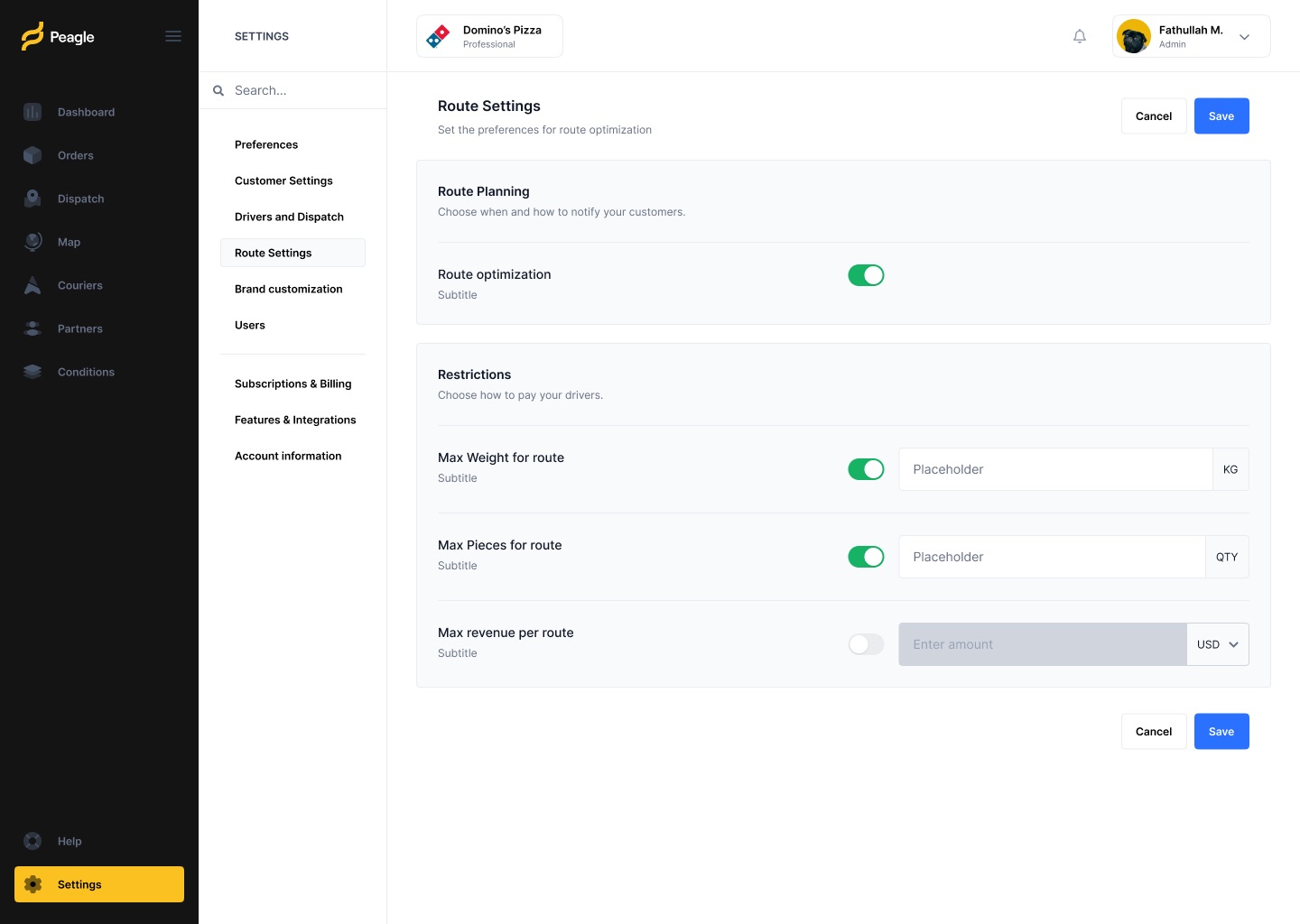
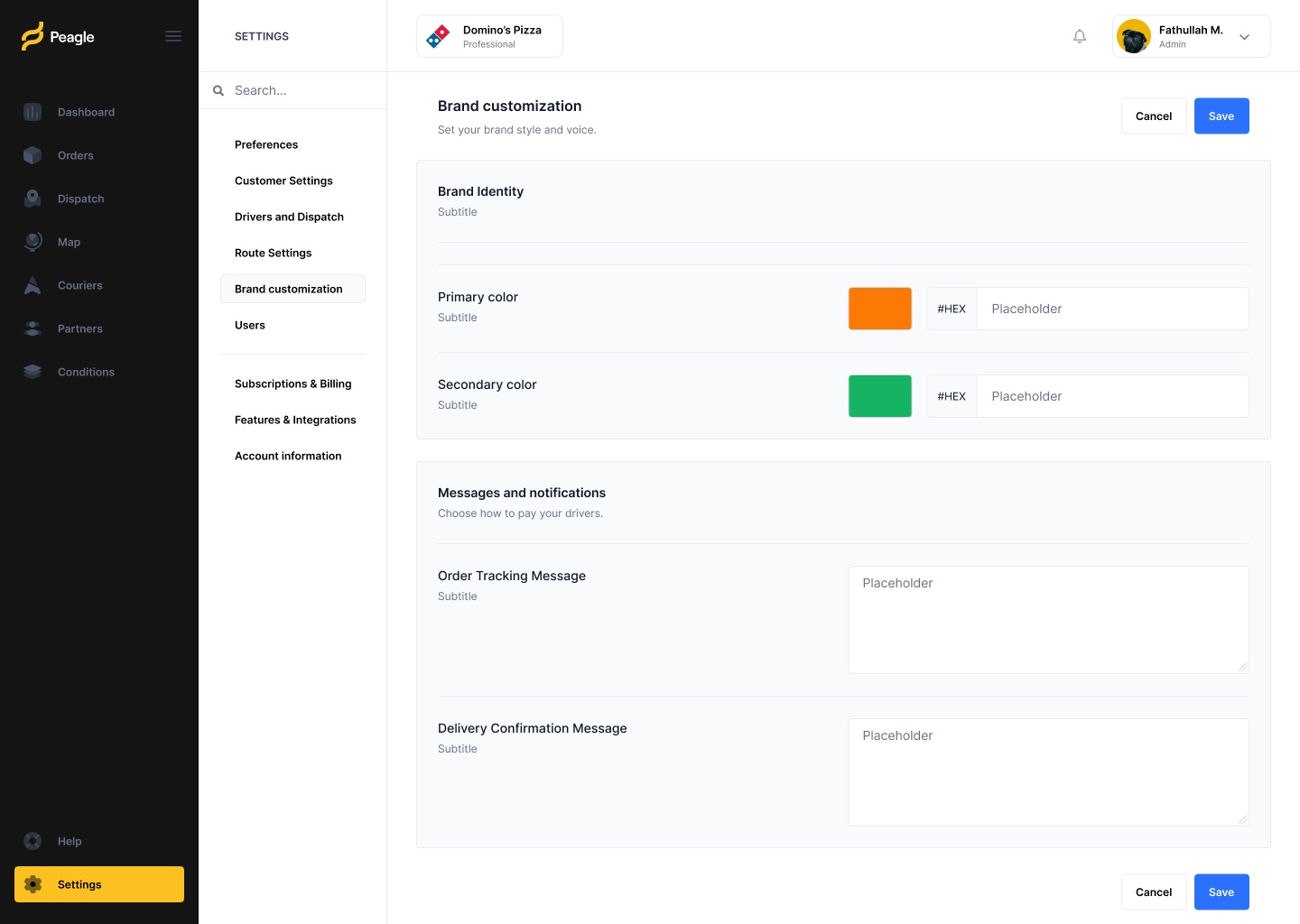
Toggles for auto dispatch and route limits, driver pay, and brand colours and messages for customer notifications.
03Screens
From the overview to a single rule
- The Figma file also has full login, registration (three steps plus verification) and password reset flows, plus a Users settings page; they are left out here.
- Domino's Pizza appears as the sample tenant in the designs. Confirm it is fine to show, or whether it was a real client.
- Settings subtitles and the bulk upload copy are still placeholder text, so the page describes structure only.
- Confirm which screens shipped and whether you designed every screen yourself or with a team.