Vita Admin
Vitanur · Web · 2023–24 · Case study
Vita Admin is the internal panel Vitanur's team uses to run its public website: page content, news, incoming requests, courses and staff access. I designed it end to end, as a dark desktop tool built from the same design system I maintained for Vitanur's products.
01Overview
One panel behind every page of the website
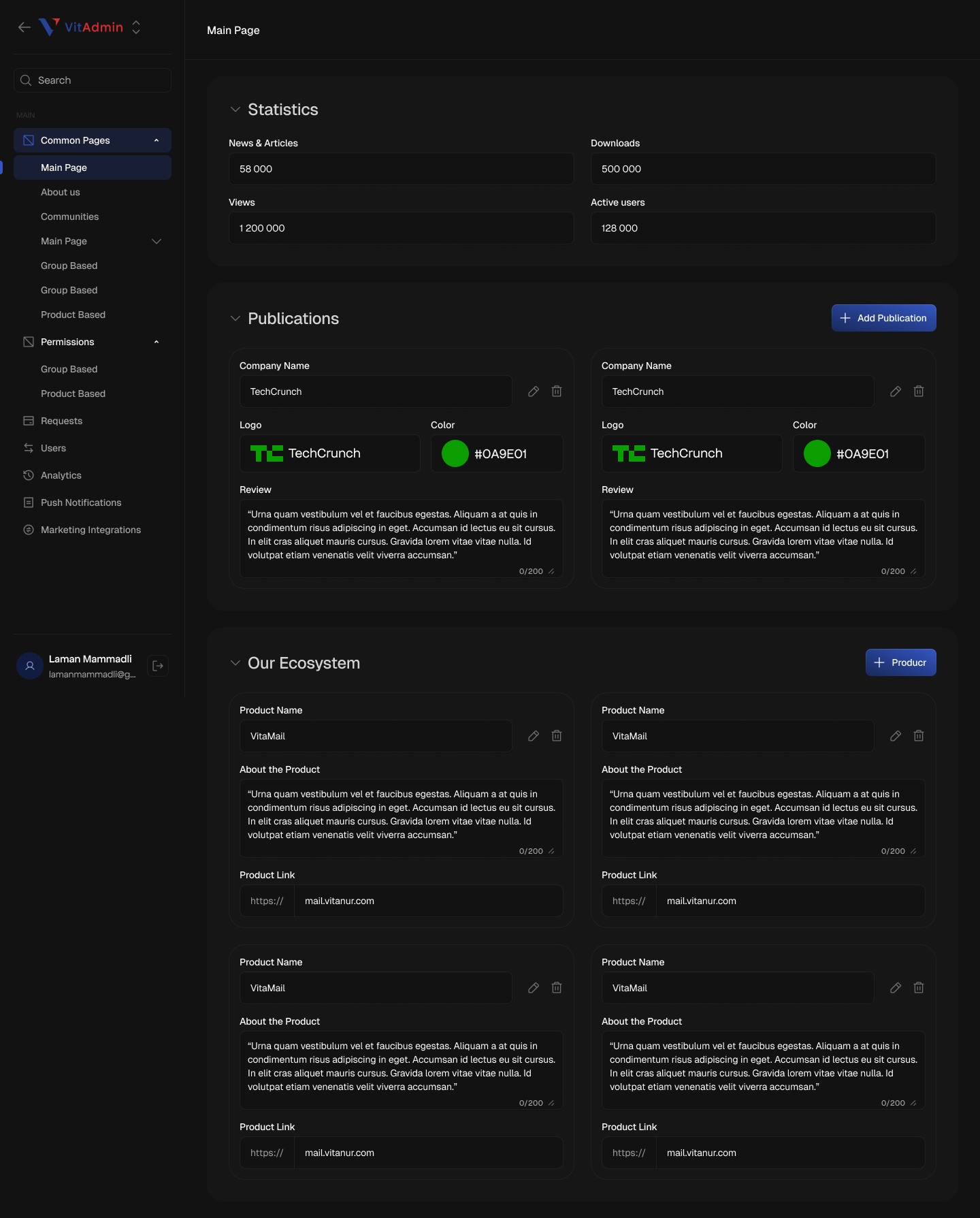
The website has many moving parts: home page numbers and press logos, careers playlists and open positions, a blog with drafts and schedules, a knowledge hub of courses, and several forms that send in requests. Each one needed a place to be edited without a developer.
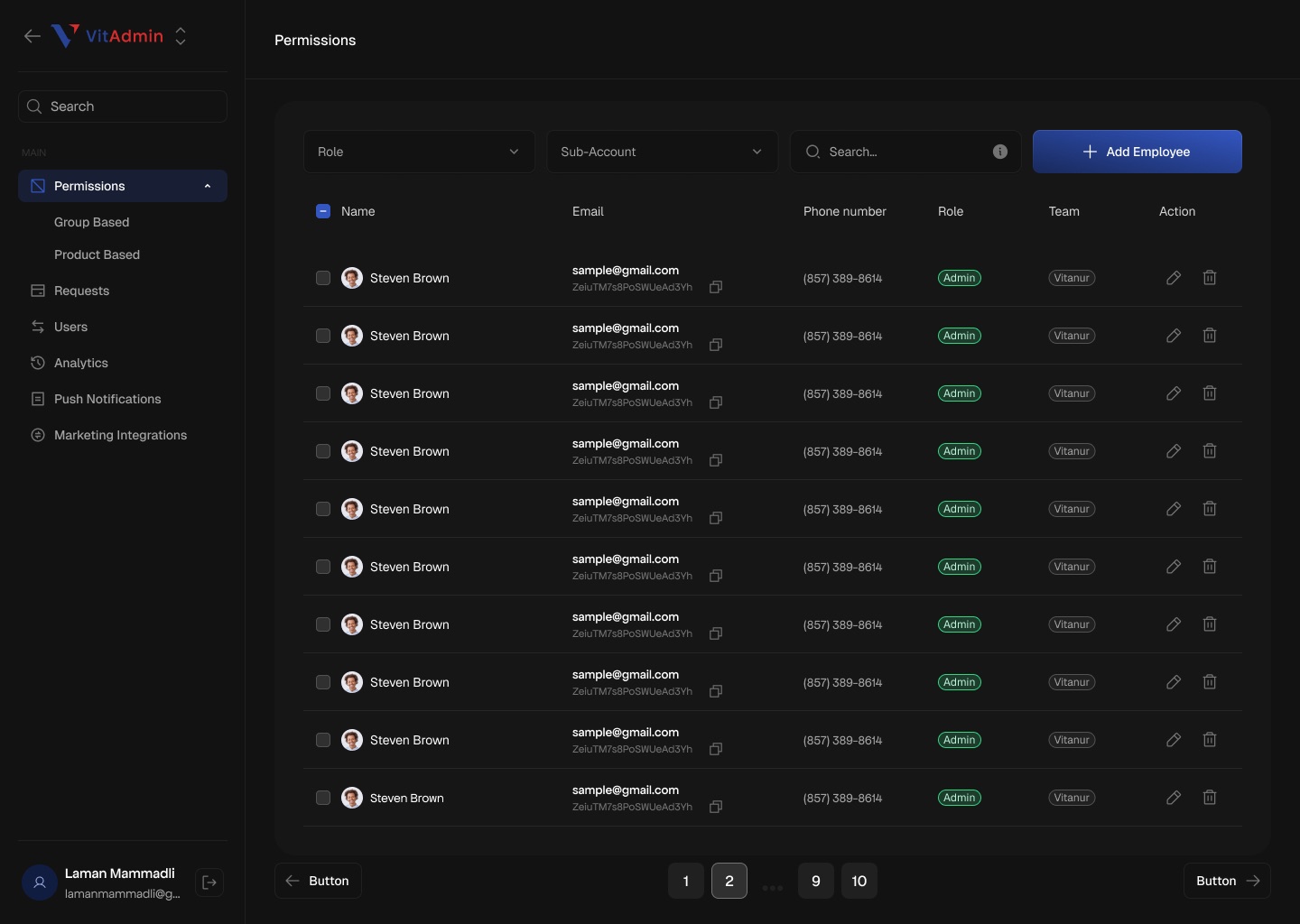
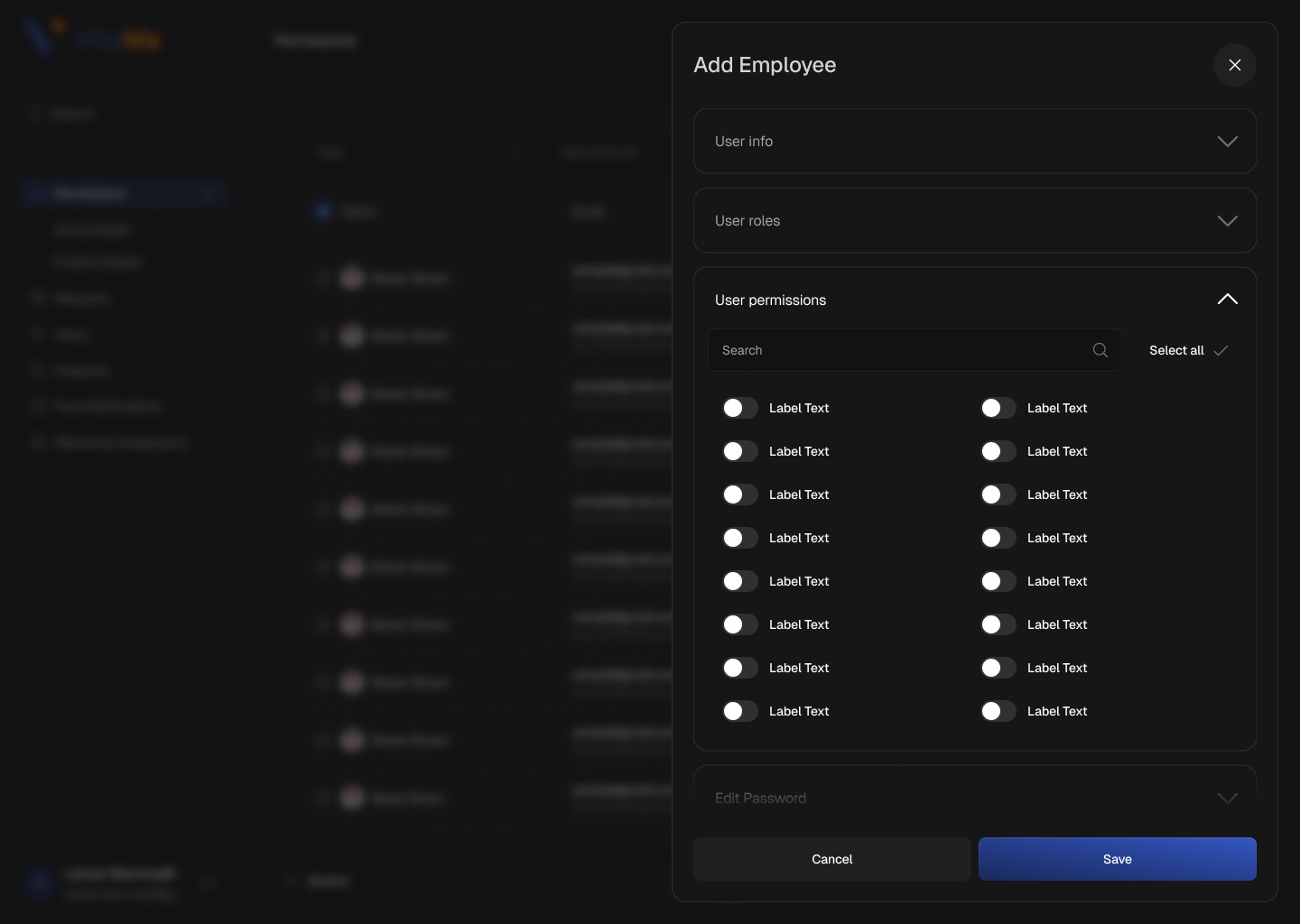
The panel keeps all of it in one sidebar and repeats a small set of patterns: filterable tables for lists, card forms for page blocks, a full-width editor for long content, and a side drawer for people and permissions.
02What I designed
A few patterns, used everywhere
- Page contentCard-based editors for site pages
Main Page, About us, Communities and Careers are split into collapsible blocks; each item is a card with edit and delete.
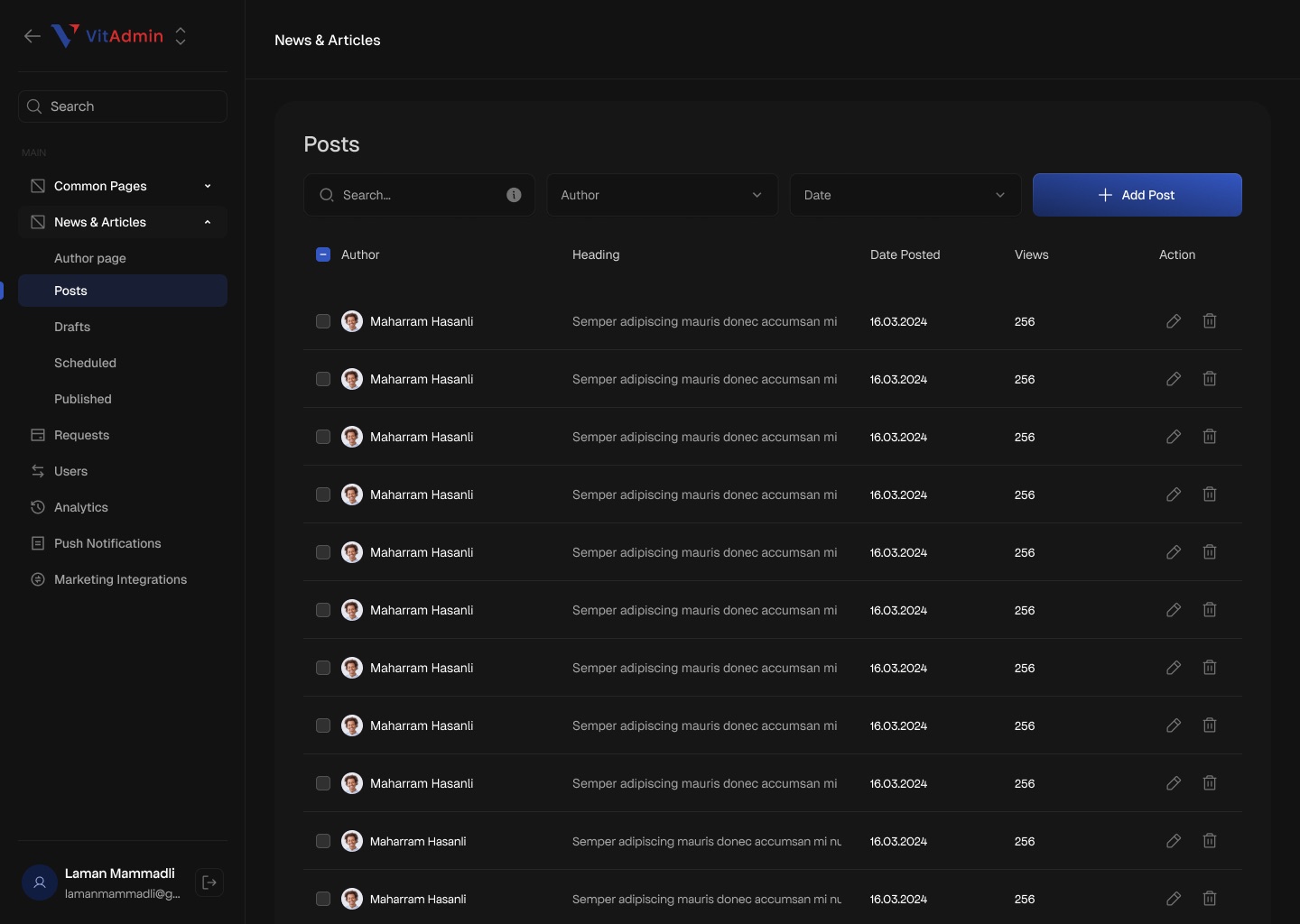
- NewsPosts, drafts, scheduled and published
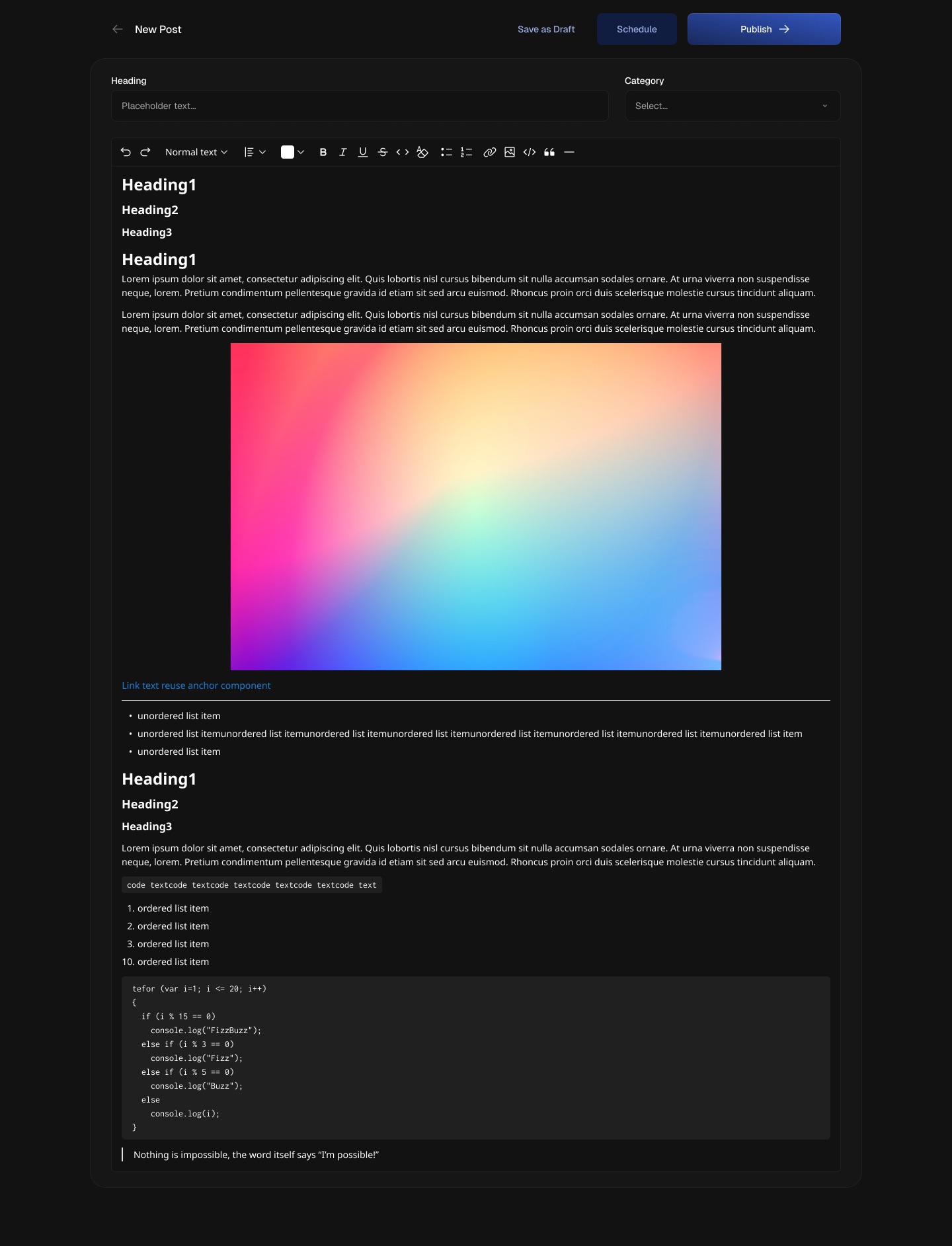
One table per state, and a rich-text editor with Save as Draft, Schedule and Publish.
- RequestsInboxes for every website form
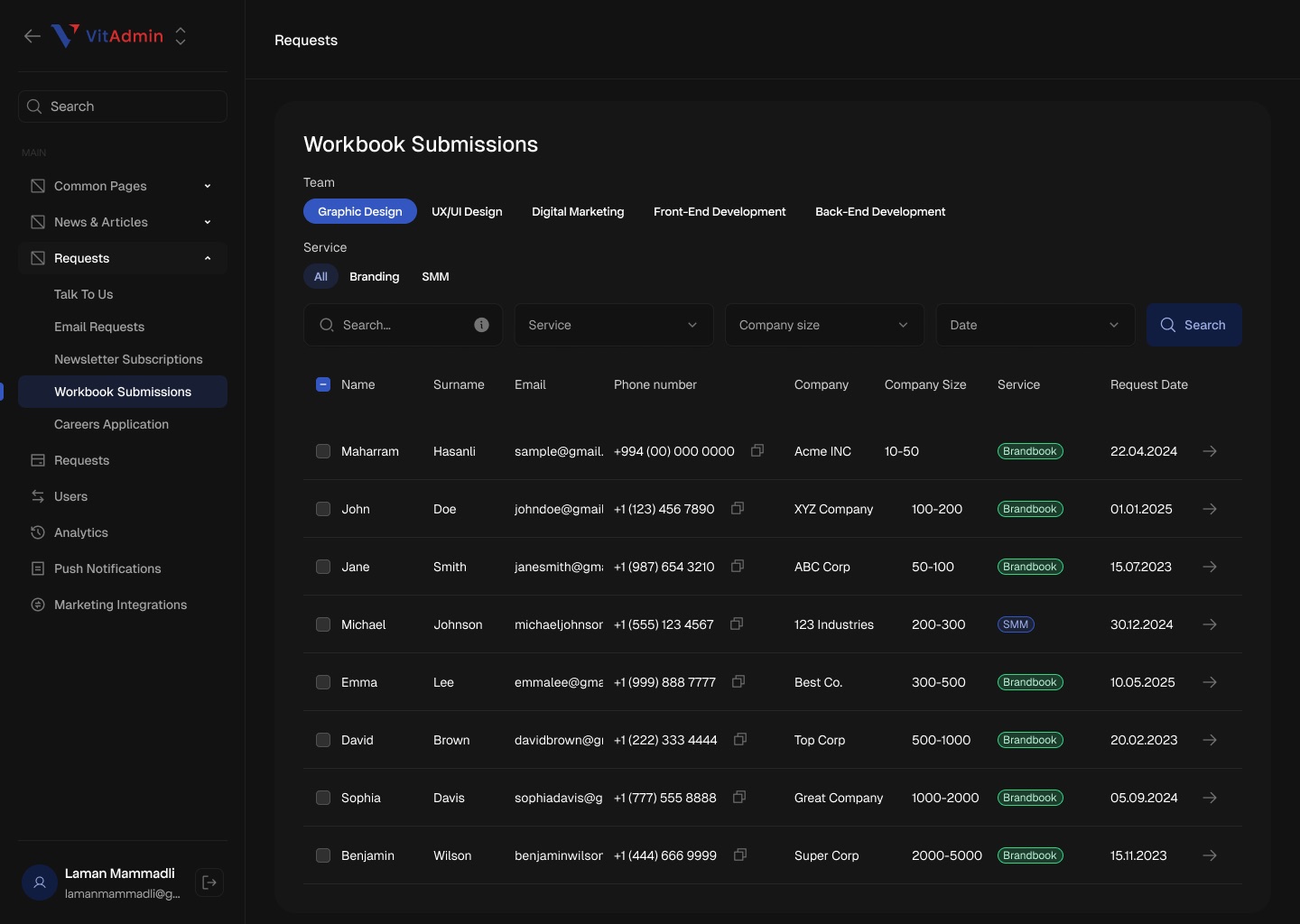
Talk to us, email, newsletter, workbook and careers submissions, filtered by team, service, size and date.
- Knowledge HubCourses, modules and comments
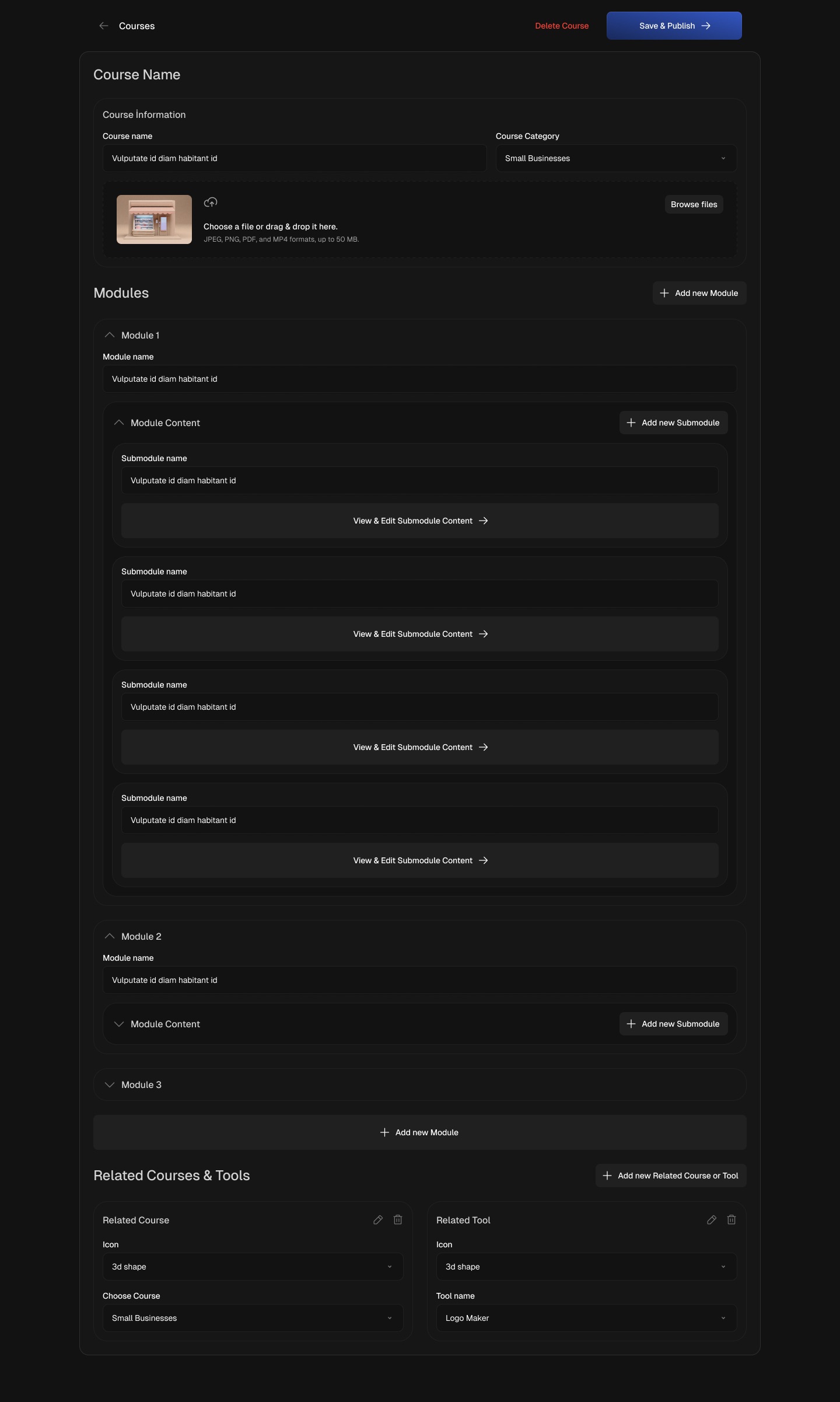
Courses nest modules and submodules, link related courses and tools, and comments can be answered or removed.
- AccessUsers, roles and permissions
An employee table and a drawer that groups user info, roles, permission toggles and password.
03Screens
From sign-in to course editing
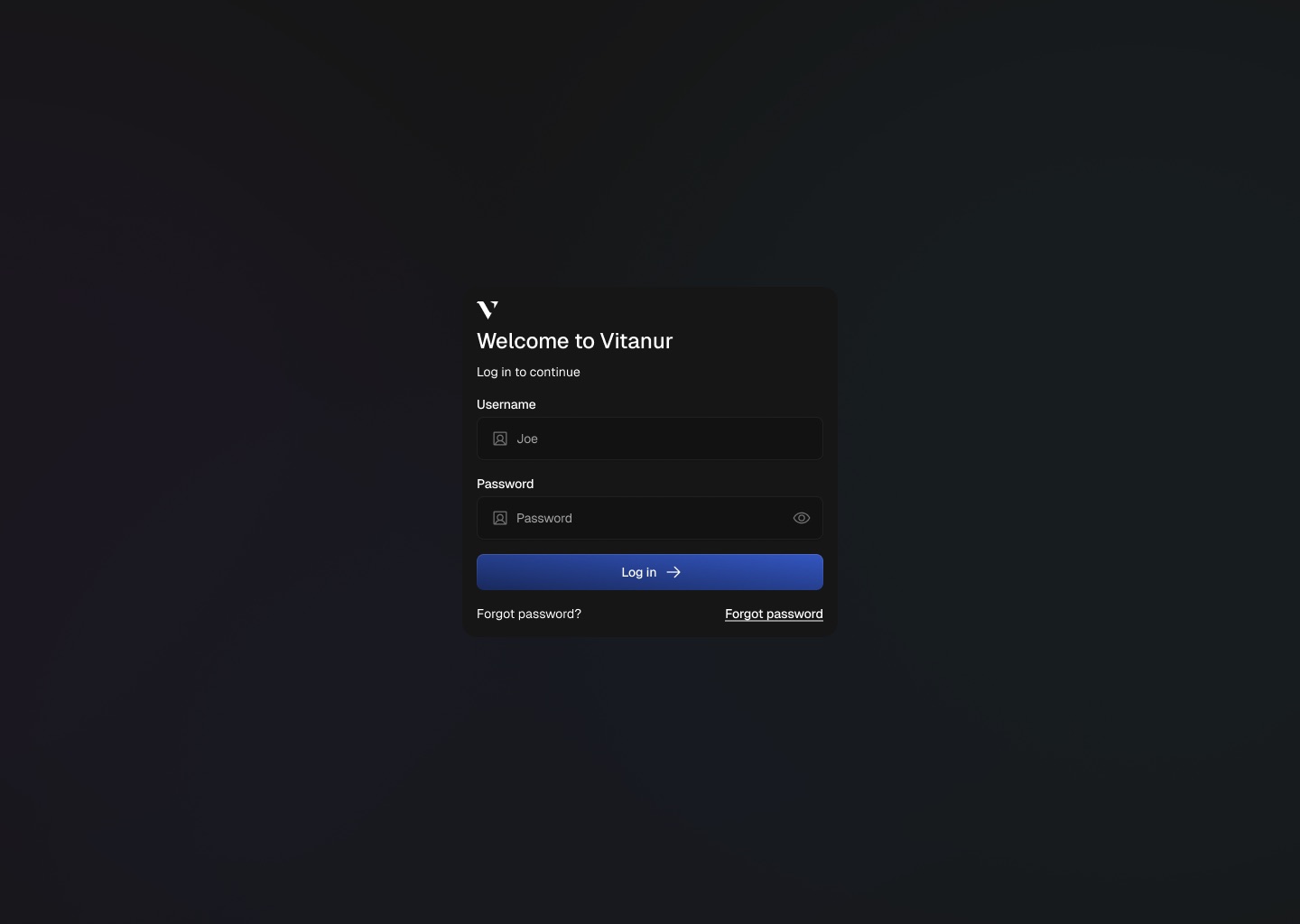
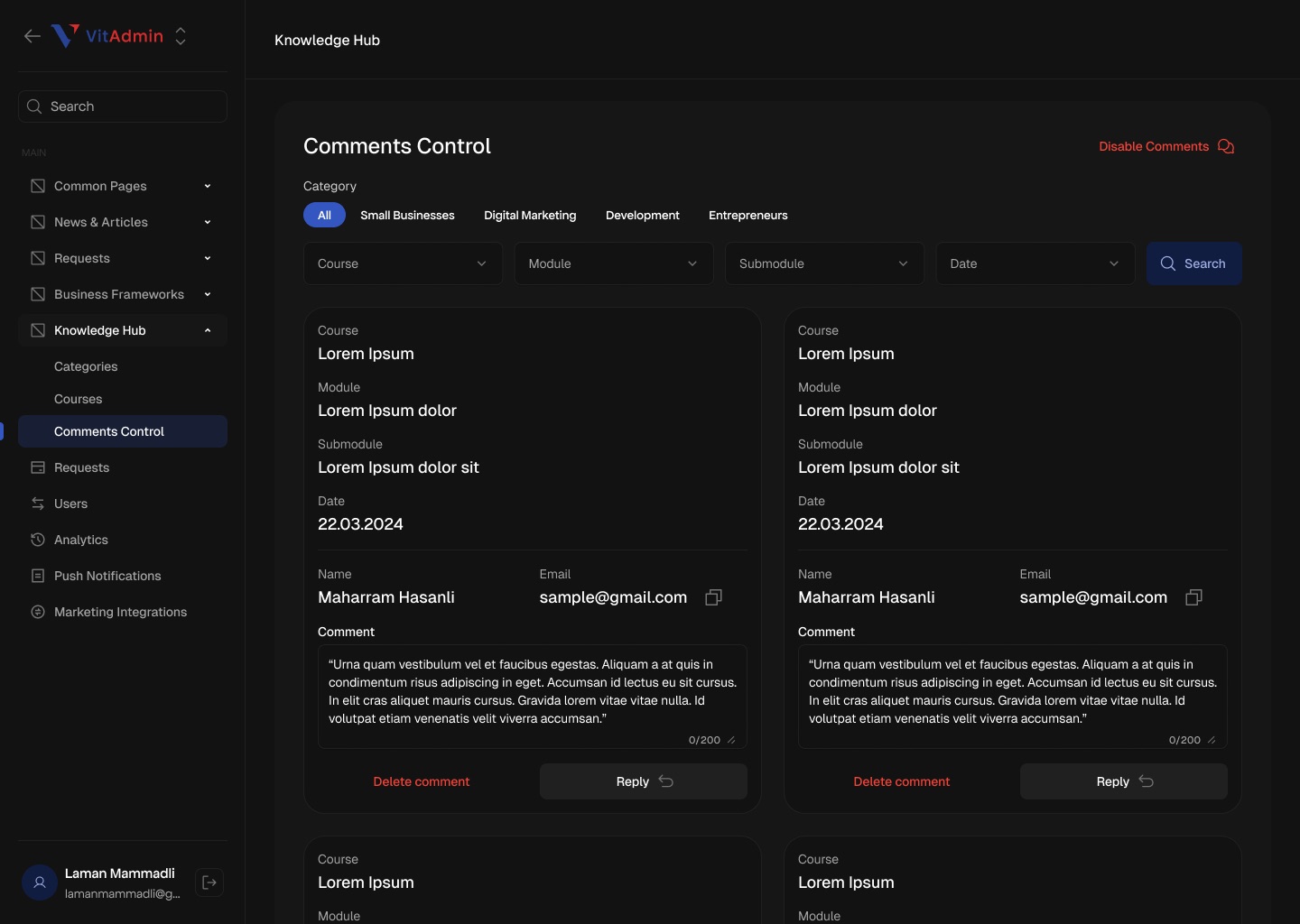
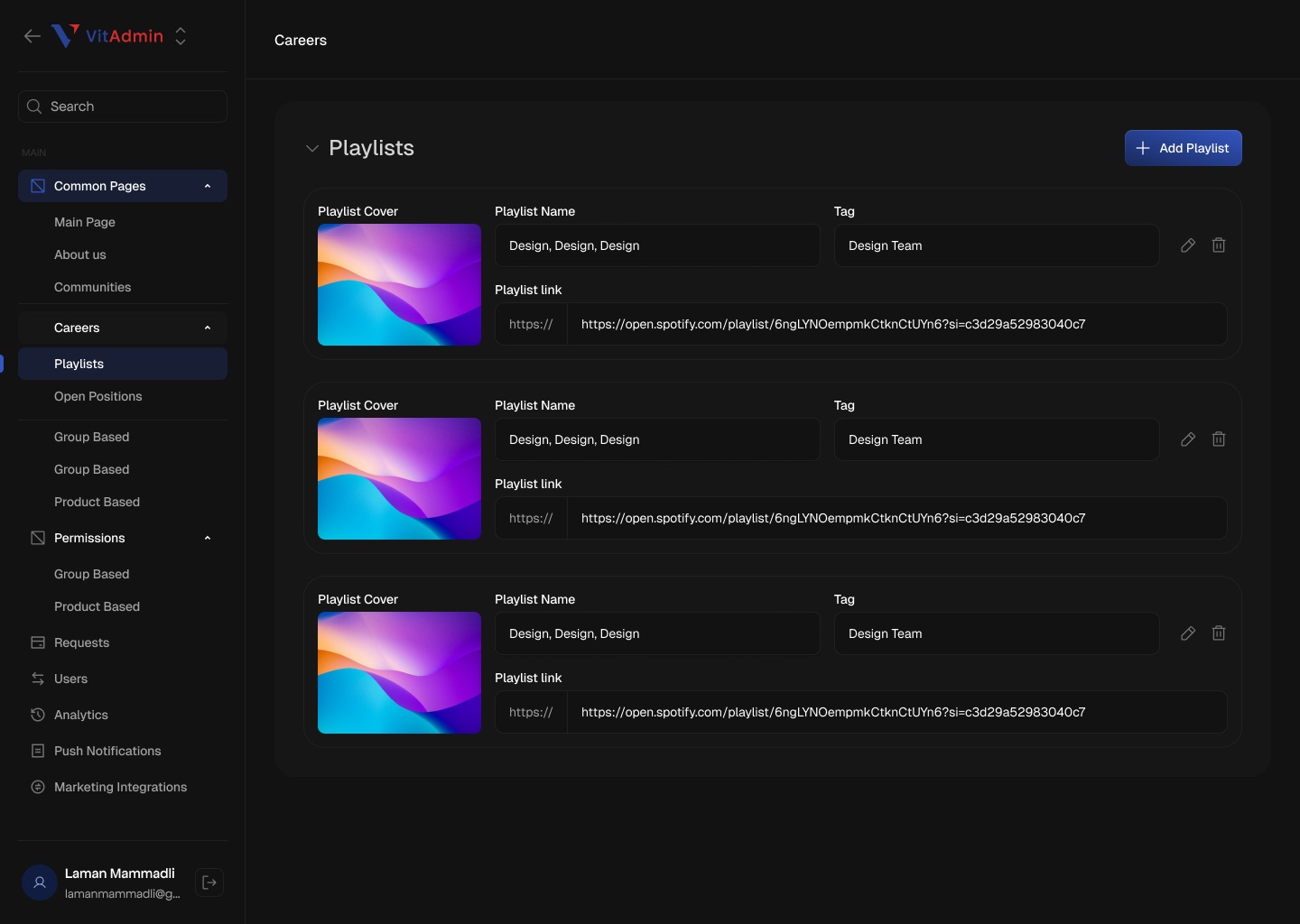
- The logo in the screens reads "VitAdmin"; confirm the product name to use (Vita Admin vs VitAdmin).
- Confirm whether the panel shipped and whether you designed it alone. Desktop - 2 also shows a product picker (VitaMail), so the panel may sit inside a wider Vitanur account.
- Several fields still hold placeholder text; the page only describes structure, not copy.
- The Figma section has 64 frames (Analytics, Push Notifications and Marketing Integrations appear in the sidebar but were not among the frames used).