Secret Network
Crypto wallet · Case study
Relay is a wallet for SCRT, the token of Secret Network, and the tokens around it. I designed the whole flow: creating or importing a wallet, the balance screen, sending and receiving, staking with validators, and wrapping tokens.
01Overview
A small wallet with staking built in
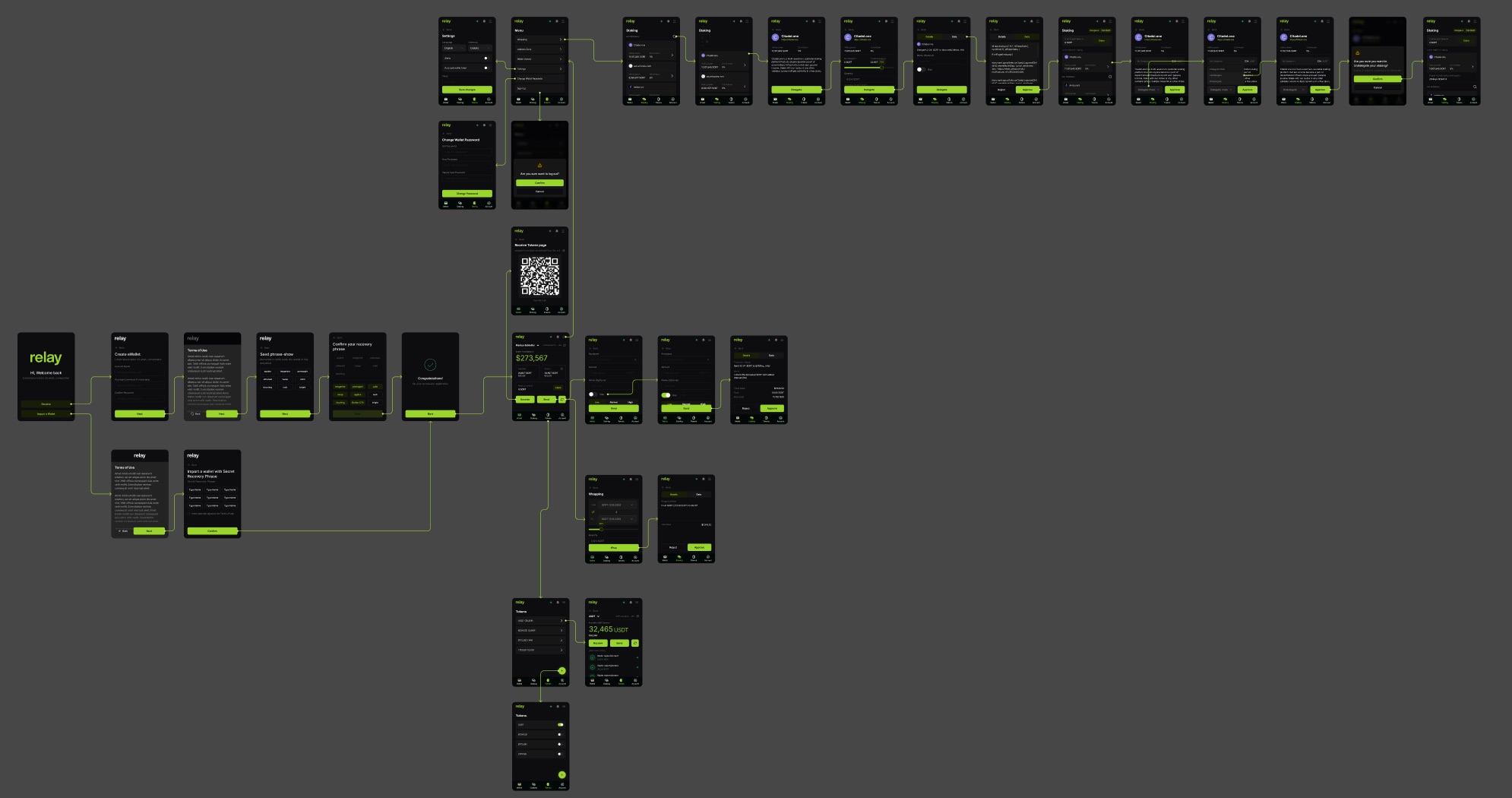
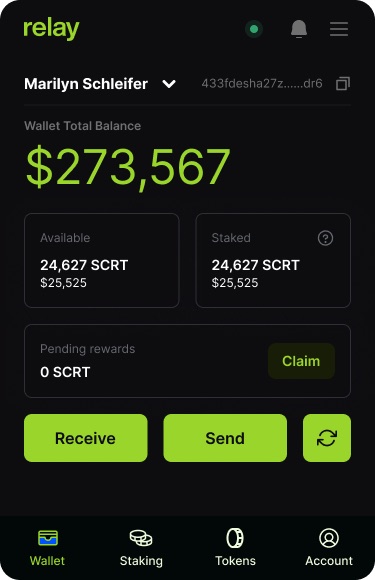
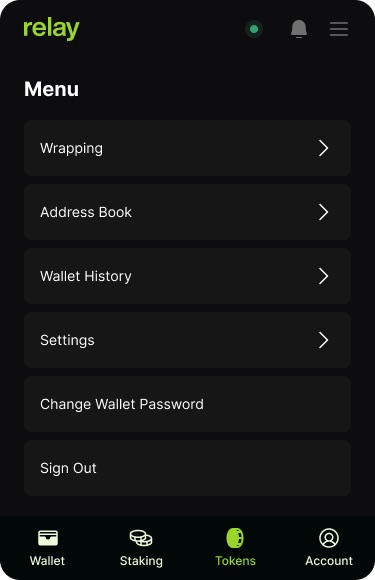
The screens are compact and dark, with one acid-green accent for balances and primary buttons. A bottom bar splits the app into Wallet, Staking, Tokens and Account, and a menu holds the rest: wrapping, address book, history and settings.
The board is laid out as a prototype, with arrows from each button to the screen it opens, so every path through the app is accounted for, including confirmations and sign-out.
02What I designed
Five flows
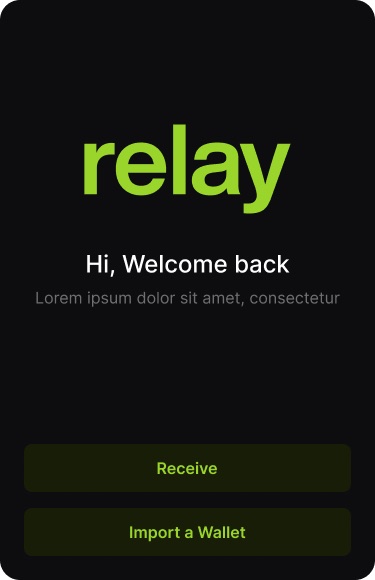
- OnboardingCreate or import a wallet
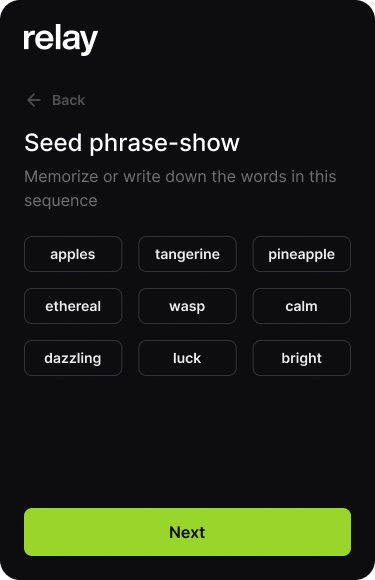
Account name and password, terms, a nine-word seed phrase to write down, then a step to confirm it in order.
- WalletBalance, send and receive
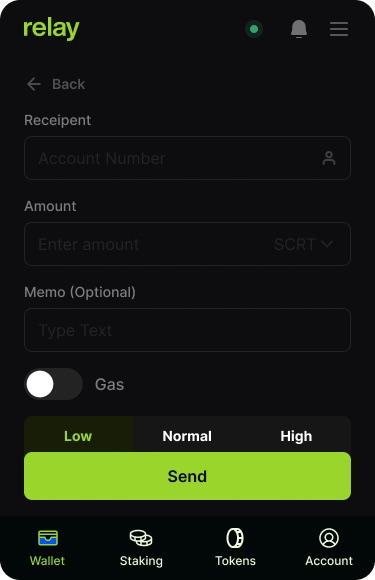
Total balance in dollars, available and staked SCRT, pending rewards with Claim, a send form with a gas level, and a QR code to receive.
- StakingValidators and delegation
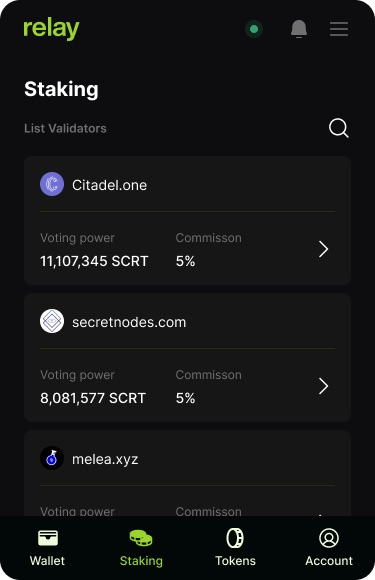
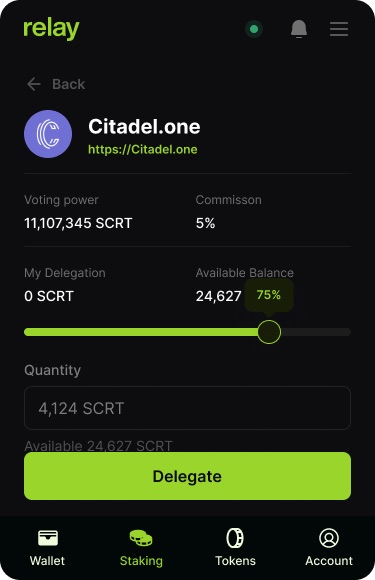
A searchable validator list with voting power and commission, a delegate screen with a percentage slider, and screens to delegate more or undelegate.
- WrappingConvert between tokens
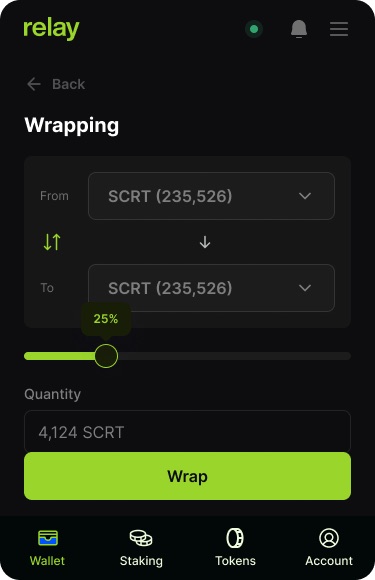
From and to selectors, a slider for the share of the balance, and a details screen to approve or reject.
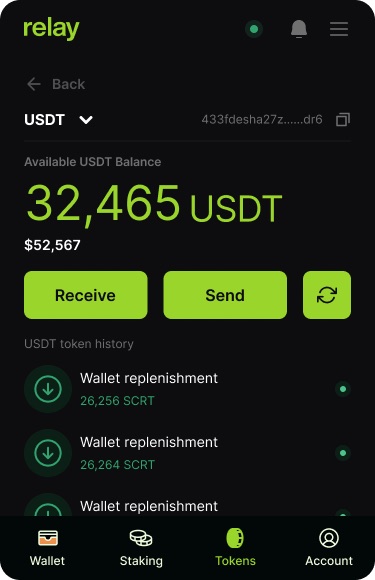
- TokensPer-token balance and history
A list of tokens you can switch on or off, and a page for each with its own balance and transactions.
03Screens
Key screens
- Add the client and year to the header line; the Figma section is only named "Crypto SecretNetwork Project".
- Confirm the platform: the 375×580 frames could be a browser extension popup or a mobile app. The page avoids saying which.
- Confirm "Relay" is the product name you can show, your role, and whether it shipped.
- Onboarding screens still have placeholder text; the page describes structure, not copy. Names, addresses and balances are design data.